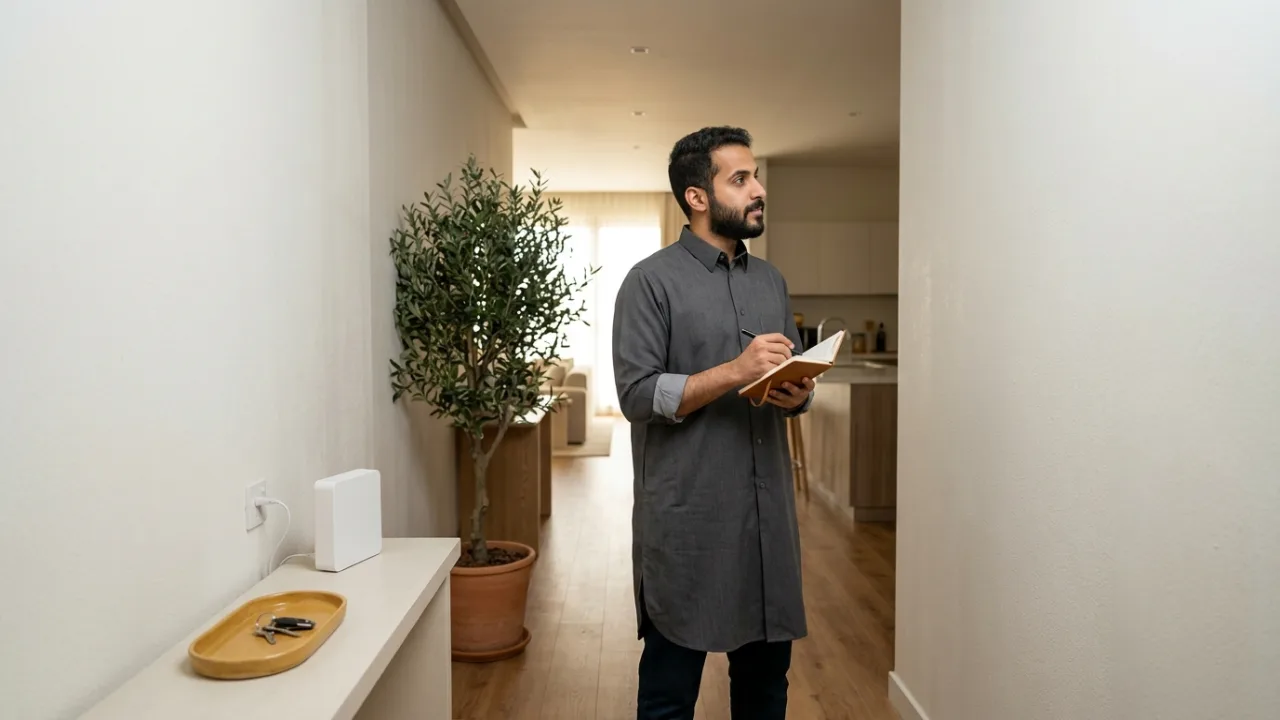
Once Salam Fiber eligibility is confirmed, prepare your accurate address, contact number and preferred equipment location. Some installations may need information about the building's fiber access point. Appointment times and requirements depend on the provider's confirmed process.
Check coverage, review Salam Fiber plans, and confirm the actual next steps before an installer visits.
- Coverage
- Plan facts
- Customer data
- Documents
- Acceptance and terms
- Router placement
- Appointment/site access
- Order reference/tracking
- After installation
- Support, complaint and privacy
1. Coverage #
The mandatory first step before initiating an order is confirming engineering feasibility at your physical address:
- Never submit a finalized order if your coverage query returned "Needs Verification" or "Insufficient Evidence"; complete the supplemental photo submission of the metallic wall plate or coordinate verification first.
- Use the coverage result or provider confirmation to identify the eligible access technology. Do not infer direct fiber, open-access topology or 5G eligibility merely from neighborhood availability.
- Identifying the access medium dictates the physical equipment footprint and internal cabling runs required within your home.
2. Plan facts #
Review commercial and technical contract terms thoroughly before submitting your request to avoid future misunderstandings:
- Review the recorded monthly price, the documented VAT treatment, and any download/upload speeds explicitly present in the package source. Confirm missing commercial facts before ordering.
- Check the contract commitment and router ownership/custody terms only where they are explicitly documented; otherwise ask for confirmation before ordering.
- Check whether installation or provisioning fees are documented. Do not assume that a missing fee means it is waived.
- Consult guide K09 as a structured commercial and legal checklist before granting final submission approval.
3. Customer data #
Accurate customer contact telemetry is the backbone of efficient appointment scheduling and field coordination:
- Use an active mobile number you control. TayfConnect account verification uses WhatsApp OTP through WAui; provider-side notification or identity requirements may differ and should be confirmed separately.
- Ensure your 4-digit Short National Address code, postal code, and additional building number match official Saudi Post (SPL) records precisely.
- Specify your preferred language (Arabic or English) in the application form to ensure field technicians and customer service teams engage you in your preferred language.
4. Documents #
Before sharing identity documents or verification codes:
- Do not assume TayfConnect uses Nafath; it is not part of TayfConnect account authentication. If an external provider or official workflow requests separate identity verification, follow only the verified instructions presented by that workflow.
- Keep your TayfConnect phone number available for the configured WhatsApp OTP flow, and never send identity documents or verification codes through an unverified channel.
- Ensure your National ID (for Saudi citizens) or Resident Identity Card / Iqama (for expatriates) is valid and free of administrative expiration flags.
- Security Mandate: upload personal identification data exclusively through our secure, encrypted digital portal. Never transmit passport or ID scans across unverified messaging apps.
5. Acceptance and terms #
If you lease your residence within an apartment complex or gated residential compound:
- Secure preliminary authorization from your landlord or building management for drilling and running external optical drop cabling into your unit.
- Review any published service terms, fair-usage information and contract duration, and keep a personal copy of the exact facts you relied on when ordering.
- Remember that the versioned contract accepted upon submission constitutes the binding legal authority governing your service relationship.
6. Router placement #
Carefully planning your primary Wi-Fi router (ONT) location accelerates technician onboarding and optimizes indoor coverage:
- Select an elevated, central location in a living area away from dense metallic obstructions, mirrors, and electromagnetic appliances (such as microwave ovens).
- Confirm the presence of at least two grounded AC power outlets at the chosen location to power both the optical modem and Wi-Fi gateway.
- Inspect internal electrical conduits or air conditioning chases if you prefer concealed internal optical cabling rather than surface-mounted boundary runs.
7. Appointment/site access #
Coordinating the field technician dispatch is the critical operational milestone:
- If a field visit is required, rely on the appointment window actually confirmed for your order rather than a generic example.
- Make sure an appropriate person can provide property access and approve any in-home work required by the confirmed installation process.
- Ensure unobstructed access to the external fiber terminal box (FAT) on the perimeter wall or in the building basement utility riser.
8. Order reference/tracking #
Upon successful submission, the system generates a unique, traceable Order Reference Number:
- Retain this tracking identifier via SMS or digital screenshot for all subsequent customer advisory interactions.
- Monitor your provisioning workflow in real time via Tayf Connect's self-service portal at
/track-order: (Received → Processing → Technician Scheduled → In Installation → Activated). - Avoid creating multiple duplicate applications for the same address, which can trigger workflow contention in carrier dispatch systems.
9. After installation #
Never release the installation technician until completing standard quality-of-service verification:
- If the technician shares optical measurements, record the actual values and any provider-specific acceptance result instead of applying a universal numeric threshold from a generic guide.
- Verify that modem status LEDs (Power, PON, Internet) display steady green illumination without red error flashing.
- Execute an initial baseline speed test over a direct Ethernet cable connected to a laptop to verify full delivery of subscribed throughput.
- Retrieve the factory Wi-Fi SSID and WPA security passphrase printed on the router label, testing wireless connectivity from your smartphone.
10. Support, complaint and privacy #
Familiarity with post-activation governance channels guarantees long-term peace of mind:
- Technical Support: Contact Tayf Connect or service provider customer assistance channels directly for real-time troubleshooting and ticket logging.
- Formal complaints: use the provider's current complaint channel and the regulator's current published escalation process. Check the official source for applicable deadlines instead of relying on a fixed number in this article.
- Privacy & Personal Data: The Saudi Personal Data Protection Law (PDPL) strictly safeguards your address and identity records, ensuring data is used exclusively for service fulfillment.
The day-before plan #
The day before the appointment, review the order as if you were handing it to someone else:
- confirm the service address and contact number;
- check order status and any site-access instructions;
- decide who will be present;
- clear access to the likely entry point and router area;
- provide a safe nearby power outlet;
- move obstructing furniture, but do not drill or build a cable route based on assumptions;
- keep the requested plan, price and terms available for comparison.
This removes decisions that otherwise consume installation time.
If the building requires coordination #
Apartments and compounds may have shared telecom rooms, gates or building-management procedures. Do not assume every area is automatically accessible. Have a way to reach security or management where necessary.
If installation stops because access or a route is unavailable, record the reason you were given rather than inventing a technical diagnosis. That makes follow-up more useful.
During installation: verify the outcome #
You do not need to supervise technical methods, but you can verify the delivered result:
- ONT and router positions are practical and serviceable.
- Cables are not crushed or exposed to obvious damage.
- You know the Wi‑Fi network details.
- The activated order matches the requested plan information.
- A real connectivity test is completed.
- Any incomplete work or exception is recorded clearly enough for support follow-up.
Create a simple activation record #
Keep a private note with:
- activation date and time;
- order/reference number;
- equipment model where visible;
- wired baseline result if practical;
- Wi‑Fi result near the router;
- priority-room observations;
- any difference between ordered and delivered items;
- non-sensitive photos of equipment placement if useful for future maintenance.
This baseline is valuable if a problem appears days later.
If the appointment ends without activation #
Avoid restarting the story on every support contact. Keep four facts ready: order reference, visit time, the step where work stopped and the reason you were told, if any. Then use /support or 055 993 2537.
Do not promise yourself a replacement date that has not been confirmed, and do not treat a positive coverage indication as proof that every field obstacle is resolved. Qualification and installation are separate stages.
Re-check the whole home after normal use #
After the household has used the service normally, ask:
- Is the work area stable?
- Do the TV and gaming locations work where they are actually used?
- Is there a dead zone that a near-router test missed?
- Would fixed devices benefit from Ethernet?
- Do you need Mesh/access points, or only better router placement?
- Do account or billing details align with the order?
If the gap is inside the property, review K05, K17 and K18 before assuming the fiber access line itself is faulty.
Real-World Saudi Residential Installation Readiness Scenarios #
Physical preparation before a technician arrives varies significantly across detached villas, multi-story apartment buildings, and gated compounds in Riyadh, Jeddah, Dammam, and other Saudi cities:
1. Detached Villa With Exterior Boundary Box and Underground Conduit #
In a standalone Saudi villa, the external Fiber Access Terminal (FAT) is typically mounted on the street boundary wall beside the electricity meter, while an underground PVC conduit carries the drop cable across the courtyard into the ground-floor distribution box. Before the technician's visit, ensure courtyard access paths and pull-box covers are clear of parked vehicles or stored items, and decide whether the primary ONT will sit in the main family lounge or connect to existing internal Cat6 distribution conduits.
2. Multi-Unit Apartment Building or Gated Residential Compound #
In apartment buildings and gated compounds, optical splitters and riser cables are often located inside locked ground-floor telecom rooms or utility shafts controlled by the building caretaker (haris) or compound facility management. Missed appointments frequently happen simply because the telecom room key is unavailable during the technician's arrival window. Coordinate with building security or management the day before your scheduled visit so access is ready immediately.
3. Home Office and Gaming Setup Requiring Strategic ONT Placement #
If your household relies on uninterrupted corporate VPN calls, cloud uploads, or low-latency console gaming, plan where the optical terminal and router will sit before the installer starts pulling cable. Identify the most central accessible room with available AC power outlets, and keep an Ethernet cable ready to test wired throughput and latency immediately after activation.
4. Preparing for Salam HomeFi 5G Delivery and Indoor Setup #
When ordering a Salam HomeFi 5G wireless package via /5g, no street fiber pulling is required. Instead, readiness focuses on providing an accurate delivery address and active contact phone number, and preparing an elevated placement spot near an exterior-facing window away from thick interior concrete partitions so you can test signal quality immediately upon setup.
Order and Installation Readiness Matrix by Property Type #
Use the reference table below to verify site preparation, access coordination, and acceptance checks before placing your order on TayfConnect:
| Property & Service Type | Physical Site Preparation | Critical Access Coordination | Primary Handover Check | TayfConnect Action Path |
|---|---|---|---|---|
| Detached Villa (Salam Fiber) | Clear path to exterior wall FAT box, courtyard pull-box, and indoor conduit panel | Decide central router location and whether upper floors need wired APs or Mesh | Steady green PON light + wired and Wi-Fi speed checks in the living room | Verify address at /coverage, select tier on /fiber, track via /track-order |
| Apartment or Compound (Salam Fiber) | Clear access to the indoor telecom junction box and provide two AC outlets | Arrange key access to shared basement/riser telecom room with building guard or management | Confirm fiber patch cord is protected from door pinching and test live connectivity | Review plan terms on /packages and coordinate via /contact if needed |
| HomeFi 5G Residence | Prepare an elevated shelf or table near a window facing the strongest cellular sector | Ensure recipient availability and active mobile contact for delivery updates | Test gateway signal strength across two or three window positions for best upload/download | Confirm 5G eligibility at /coverage and compare plans on /5g |
| Address Pending Manual Review | Photograph the exterior metallic FAT plate and building facade clearly | Avoid submitting duplicate orders for the same address while review is underway | Wait for confirmed engineering eligibility before scheduling interior work | Submit FAT plate details through /contact for manual verification |
End-to-End Ordering and Installation Workflow on TayfConnect #
To move smoothly from initial plan selection to a verified home installation without avoidable delays, follow these four steps on TayfConnect:
- Confirm exact building eligibility at /coverage: Verify whether your address supports Salam Fiber or Salam HomeFi 5G before selecting a plan.
- Inspect complete package terms on /packages, /fiber, and /5g: Review the published monthly price, VAT treatment, download/upload speeds, commitment duration, and router terms on /compare.
- Complete accurate contact and account verification: Keep your active mobile number ready to receive the TayfConnect WhatsApp OTP verification code, and ensure your National Address short code is accurate.
- Track progress via
/track-orderand /contact: Save your unique order reference number to monitor status updates, and reach out to TayfConnect support if you need help coordinating site readiness.
Frequently Asked Buyer Questions #
Will the technician need to drill or break interior walls to install Salam Fiber? #
In most modern Saudi homes equipped with standard internal telecom conduit pipes, the technician pulls the fiber cable through existing wall ducts without cutting plaster. If an internal duct is blocked, the technician will review clean surface-routing options along skirting boards or corners with you before proceeding.
How does account verification work when ordering on TayfConnect? #
TayfConnect uses WhatsApp OTP sent to your active mobile number for its own account verification and order tracking, and does not use Nafath for TayfConnect account authentication. If the telecom provider requires a separate official identity step during its own provisioning workflow, follow only the verified instructions presented in that official provider channel.
What if the technician says the fiber cable cannot reach my upstairs office directly? #
If internal wall conduits only reach the ground-floor entrance or living room, allow the technician to install the primary ONT cleanly at the main demarcation point, then extend connectivity to upstairs rooms using existing Cat6 Ethernet ports, a Mesh Wi-Fi system, or an FTTR solution.
Should I pay any cash fees directly to the field technician during installation? #
Always rely on official documented billing channels. Legitimate subscription tariffs and any applicable one-time charges are billed through official provider invoices and authorized digital payment channels rather than unverified cash requests at the door.
Conclusion #
A smooth, fast home broadband installation is the result of structured collaboration between a transparent digital platform and an organized subscriber. By spending a few minutes completing this pre-installation checklist—verifying coverage, preparing documents, planning wire routes, and conducting handover testing—you prevent delays and ensure your household enjoys dependable high-speed connectivity from day one.
Internal links #
/coverage · /compare · /how-it-works · /track-order · /customer-rights · K03 · K09 · K24
Editorial source review #
This is a practical preparation guide, not proof of a universal identity, installation, fee or timing rule. Confirm regulatory requirements and provider-specific steps from the current official source or the actual order terms. TayfConnect does not use Nafath for its own account authentication.